Changelog

Latest posts in this category

Enhanced File Management
Changelog

Enhanced File Management

We're excited to announce a powerful new addition to LoadForge: enhanced file management capabilities for your load tests. This feature allows you to upload, create, and manage data files that can be seamlessly integrated into your load testing scripts.Why We Added File ManagementLoad testing often requires realistic data to simulate...

New Graphs Page Enhancements!
Changelog

New Graphs Page Enhancements!

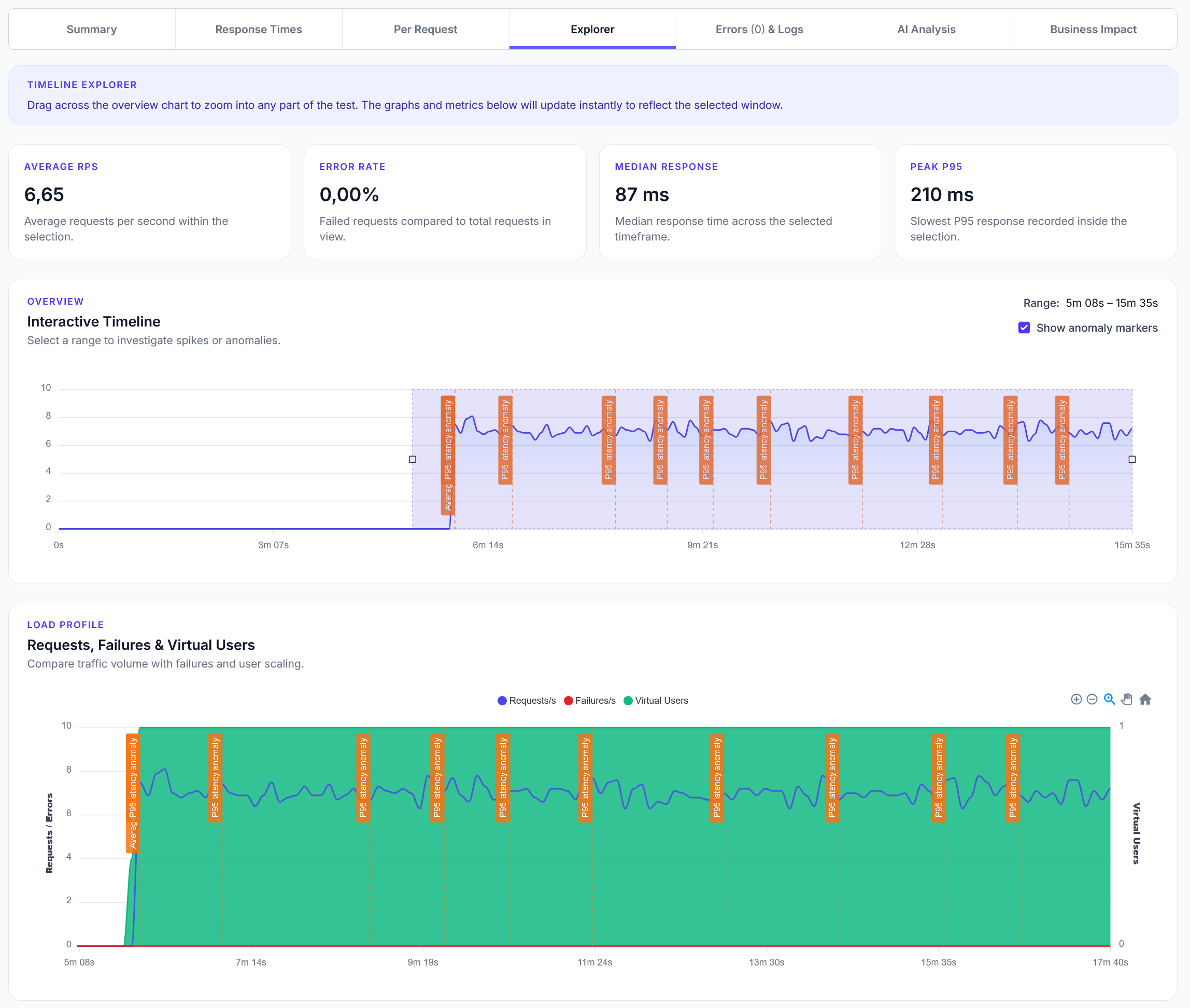
At LoadForge, we’re always working to make it easier for you to understand the performance of your systems under load. That’s why we’ve just rolled out a powerful update to the Graphs section of your Reports!The newly enhanced Graphs page now includes rich, interactive visualizations across five key performance areas:🚀...

One-Click Scheduling & AI Test Fixes
Changelog

One-Click Scheduling & AI Test Fixes

We're excited to announce two powerful new features designed to make your load testing faster, smarter, and more automated than ever.✅ One-Click Test SchedulingYou can now schedule any load test to run daily, weekly, or monthly with a single click. This makes it effortless to continuously monitor performance and catch...

Updated UX & Activity Logging
Changelog

Updated UX & Activity Logging

We’ve rolled out a fresh update to LoadForge, focused on enhancing usability, improving how data is presented, and making the platform more intuitive than ever.While many of the changes are subtle, they add up to a smoother and more efficient experience. From better readability to more logical layouts and clearer...

Tags, Automated Tests, Run Updates and more
Changelog

Tags, Automated Tests, Run Updates and more

We've got a heap of new updates for you, focused on multi-user organizations and easier test creation. Tag SystemWe have added a tagging system for Tests, allowing you to attach any number of tags to your load tests. You can then filter on them, both on the test management page...

Faster Launches, Better Screenshots
Changelog

Faster Launches, Better Screenshots

Sometimes it's the small things that make the load testing experience better! We've rolled out an update that lets you click on screenshots in the live monitor and on the report page to see a full size image - something that was requested quite often to our surprise! We've also...

Organizations Launched!
Changelog

Organizations Launched!

We are proud to finally release a much requested feature - Organizations. You can now create entirely different workspaces (called Organizations) with their own packages, users, tests, and hosts. This lets you fully separate different companies and divisions, or easily work on multiple clients accounts from a single user. Each...

Revamped Hosts, AI Reports, UX Updates
Changelog

Revamped Hosts, AI Reports, UX Updates

We've had a huge set of updates go live - fully revamping the Hosts page, adding more AI analysis to reports and improving the User Experience throughout the system. Hosts RevampThe Hosts system has several new features. Host's now scan your site to understand what technologies are running, and enrich...

LoadForge Now Monitors Real-World User Experience – Automatically
Changelog

LoadForge Now Monitors Real-World User Experience – Automatically

We’ve made a huge upgrade to LoadForge: your hosts now automatically track real-world user experience scores alongside our load testing and uptime monitoring.What’s New?When you add a website or API to LoadForge, you’ll now see live user experience metrics in the dashboard. This includes key performance indicators like:✅ Time to...

More Integrations, Global Testing
Changelog

More Integrations, Global Testing

We are proud to announce the availability of several new integrations and new global tests.Datadog & Azure Application InsightsYou can now link your Datadog and Azure AppInsights accounts to LoadForge to see load test data in your application reports. Integrations are available to all Essential and higher packages.Global TestingLoadForge has...