
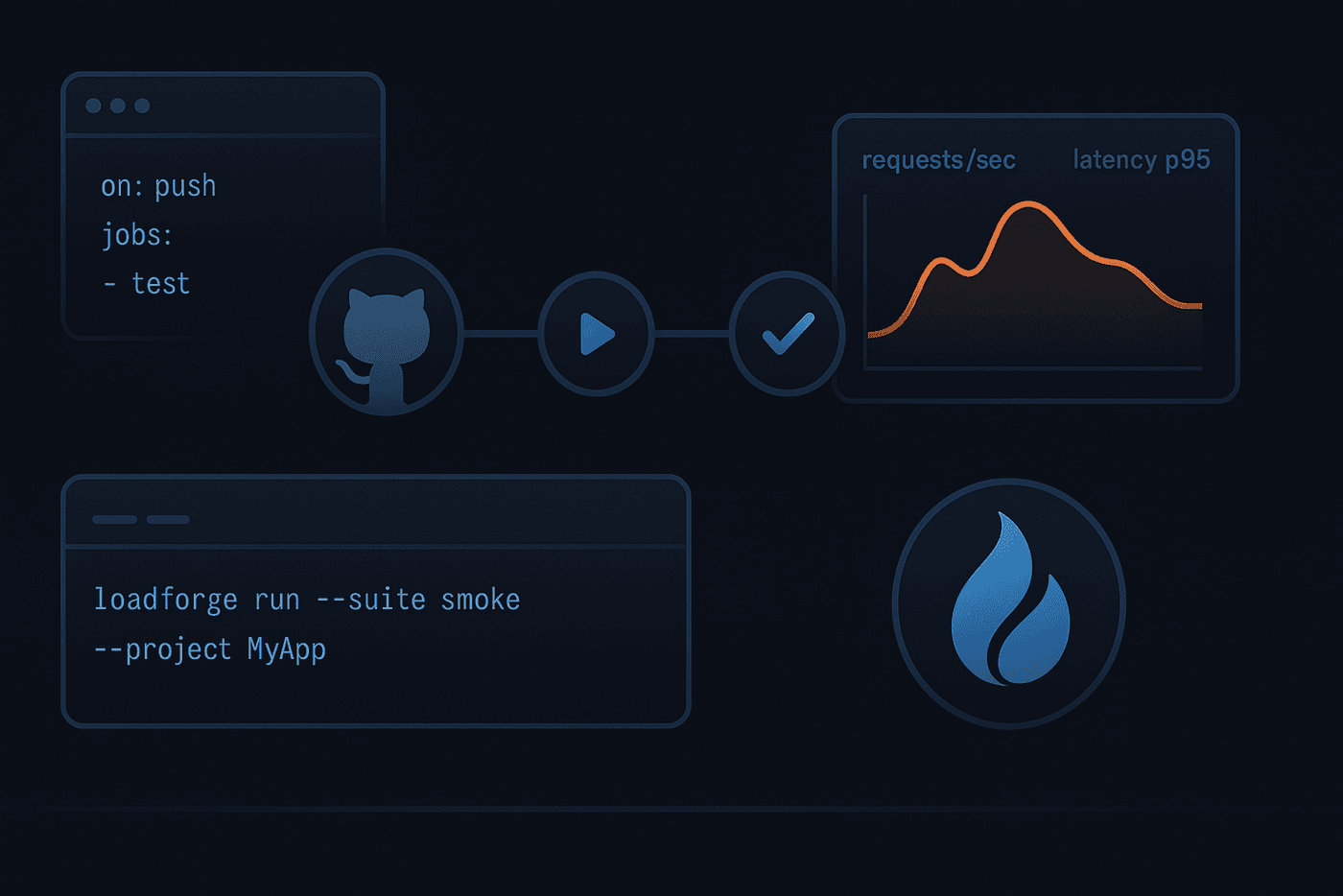
We’re excited to release loadforge-cli — a simple, powerful command-line tool that lets you manage LoadForge tests, hosts, and runs directly from your repository and CI/CD.
With loadforge-cli, your Locust scripts and test configs can live in Git, and your automations (syncing tests, starting runs, waiting for results) live in GitHub Actions. It’s the fastest way to make load testing part of your development workflow.
Why loadforge-cli?
- Git-native tests: Store
locustfile.pyand test config intests/<slug>/. - Two-way sync: Pull from LoadForge and push back changes safely.
- CI-friendly: Start and wait on runs in GitHub Actions with meaningful exit codes.
- Declarative hosts: Use
hoststrings likehttps://example.com:443— no manual host IDs.
Full GitHub CI/CD examples: https://docs.loadforge.com/misc/github-cli
Install
Use npx (no global install required):
npx loadforge-cli --help

npx lf-cli --help
Add your API key via .env or CI secret:
API_KEY=your_loadforge_api_keyRepository layout
Each test lives in tests/<slug>/:
tests/<slug>/
  locustfile.py
  config.json
config.json is source-of-truth for your test configuration:
{
  "users": 200,
  "rate": 1,
  "servers": 2,
  "host": "https://example.com:443",
  "apdex_target": 300,
  "p95_target": 600,
  "error_perc_target": 0,
  "region_servers": { "nyc3": 1, "sfo3": 1 }
}- host: protocol+hostname+port (the CLI resolves/creates the Host and sends host_id)
- slug: the folder name; this is your unique test name
- Only
test_type = "load"is supported (for now)
Pull tests from LoadForge
Bootstrap or refresh your repo from LoadForge:
npx loadforge-cli pull --out testsThis creates tests/<slug>/locustfile.py and tests/<slug>/config.json for each load test, resolving host_id to a host string automatically.
Push tests to LoadForge
Keep LoadForge in sync with your repo:
npx loadforge-cli push --dir tests --dry-run=false --allow-create --allow-deleteStart a run and wait for results (CI-ready)
Start by slug:
RUN_ID=$(npx loadforge-cli start lf-website -d 5)
echo "$RUN_ID"
Wait with live spinner and human status:
npx loadforge-cli wait "$RUN_ID"Exit codes:
- 0: completed and passed (run_status=3 and run_passed=true)
- 2: completed but did not pass thresholds (run_status=3 and run_passed=false)
- 1: failed to execute (run_status>=4)
On completion, the CLI prints a summary JSON (id, status, reqs/sec, response times, failures, etc.) for easy ingestion by other tools.
Create a new test (scaffold locally)
Interactive:
npx loadforge-cli createNon-interactive:
npx loadforge-cli create --name docs-site --users 50 --host https://example.com:443This scaffolds tests/<slug>/config.json and locustfile.py. Then create it remotely:
npx loadforge-cli push --allow-createGitHub Actions examples
- Sync LoadForge on merge:
- name: Push tests to LoadForge
  env:
    API_KEY: ${{ secrets.API_KEY }}
  run: |
npx loadforge-cli push --dir tests --dry-run=false --allow-create --allow-delete- Start and wait:
- name: Start run
  env:
    API_KEY: ${{ secrets.API_KEY }}
  run: |
    RUN_ID=$(npx loadforge-cli start lf-website -d 5)
    echo "RUN_ID=$RUN_ID" >> $GITHUB_ENV

- name: Wait for result
  env:
    API_KEY: ${{ secrets.API_KEY }}
  run: |
    npx loadforge-cli wait "$RUN_ID"
More CI/CD examples and patterns: Read the Docs.
loadforge-cli makes LoadForge a natural part of your Git workflow: version, review, sync, run — all from your repo and pipelines. Try it in your project today.